You were busy all day.
Why does it feel like you got nothing done?

End every day knowing exactly what you accomplished. todovo.io gives you a morning ritual, focused work, and an evening celebration — in one calm editor.

Free for 30 days · No credit card · Then from €4/mo (billed yearly)

Works on any device — desktop, tablet, or phone
todovo.io/app
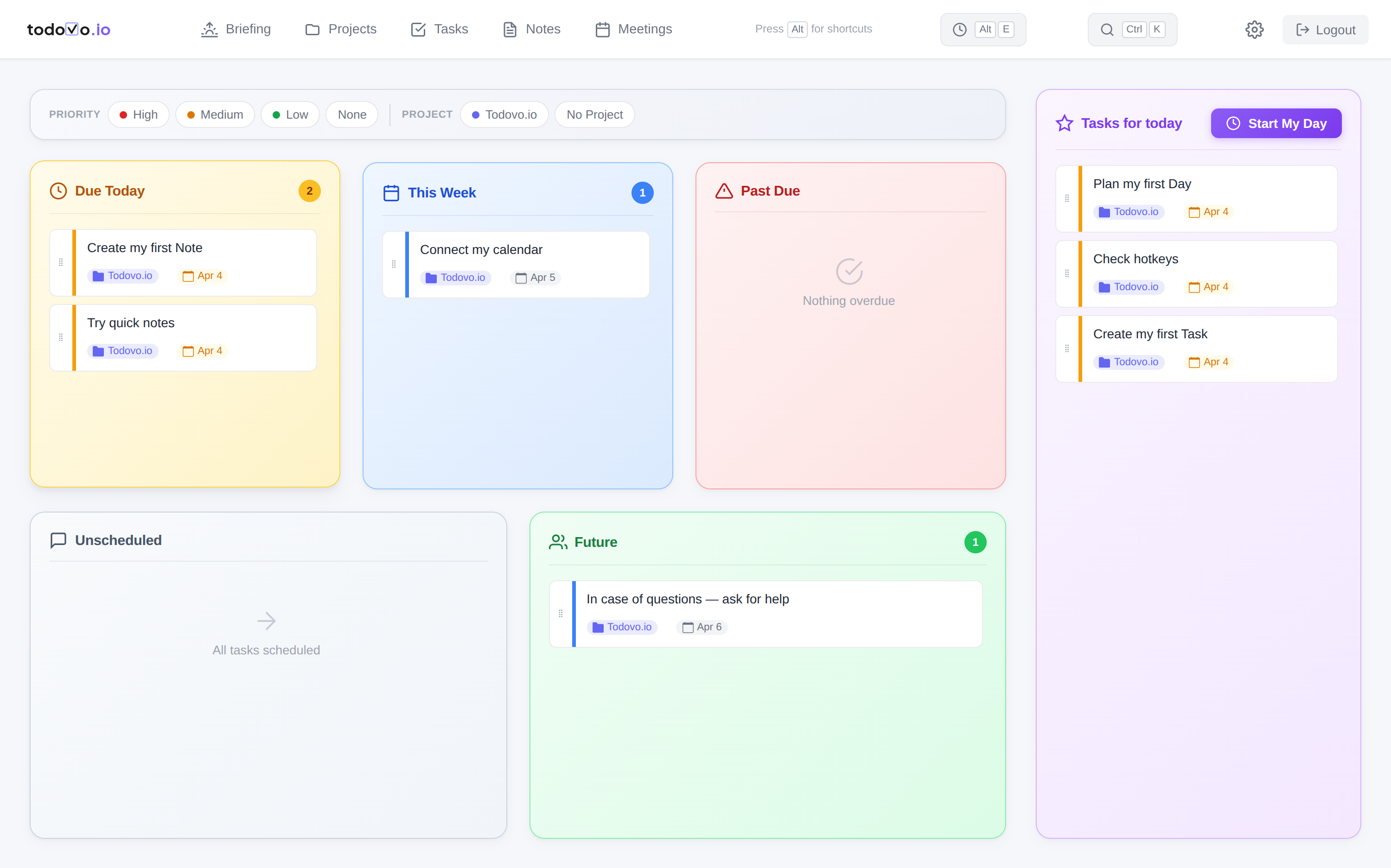
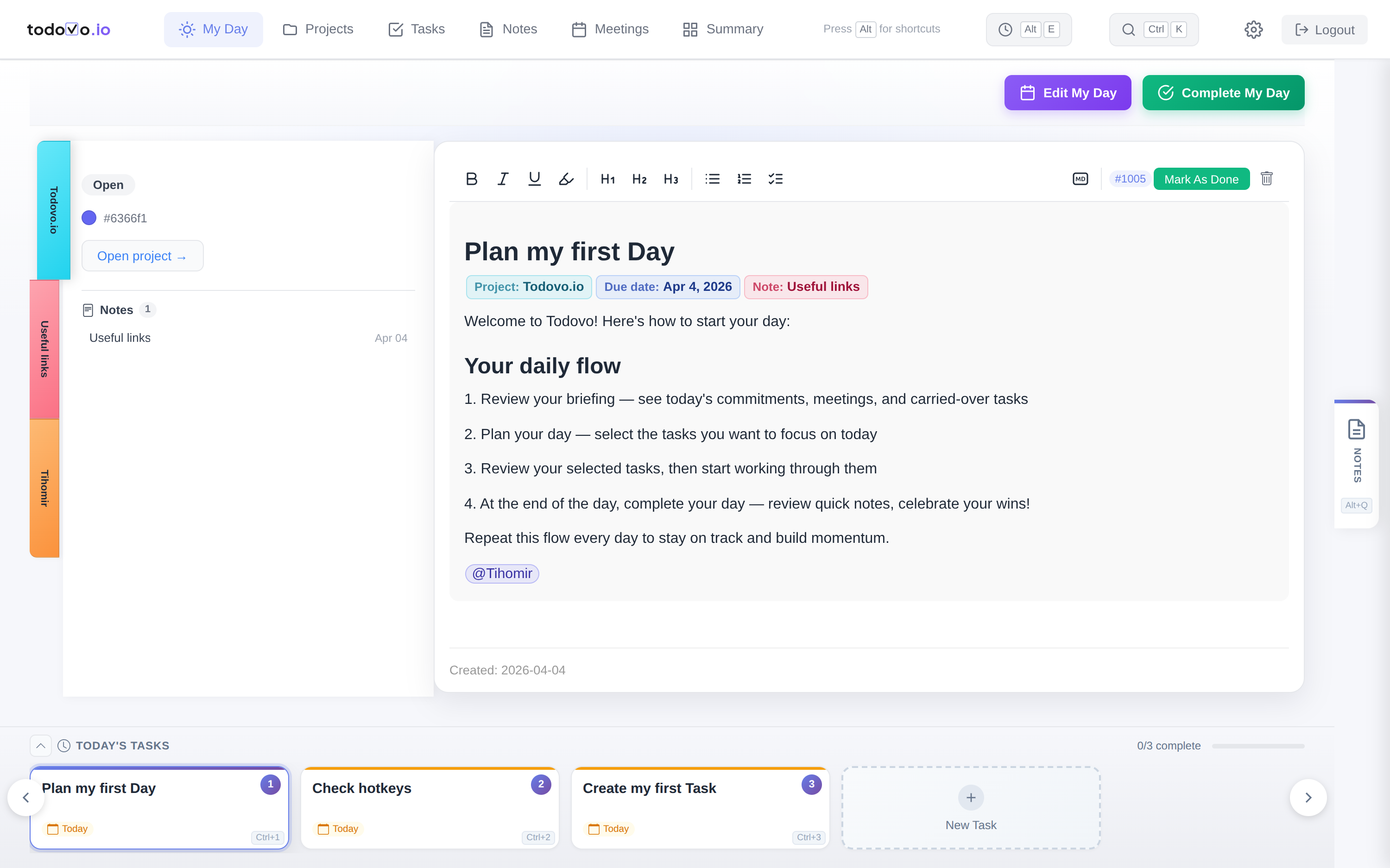
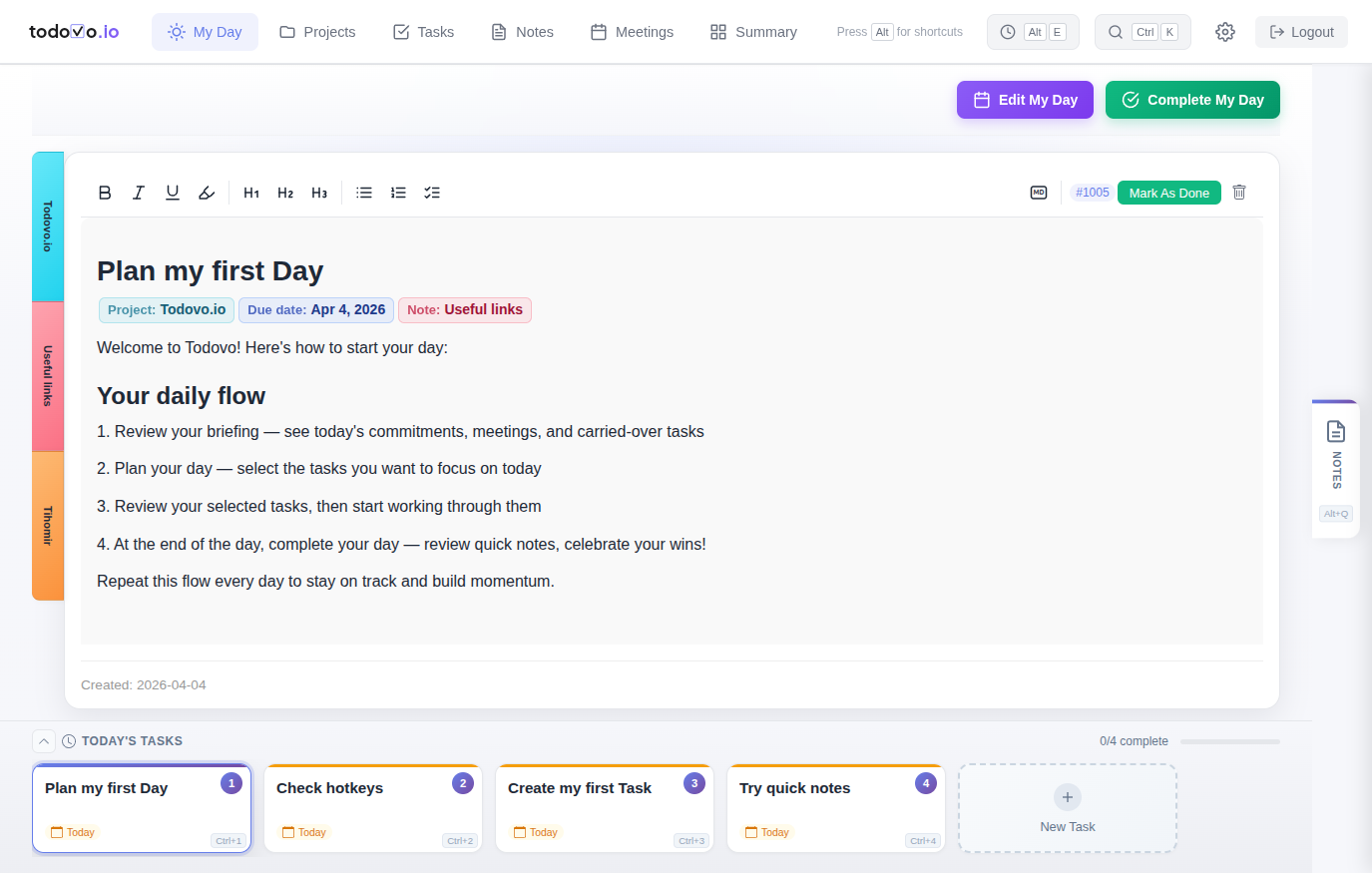
todovo.io My Day board view showing task editor, daily task carousel, and project sidebar

Does this sound like your day?

These are the daily struggles that drain your energy — and none of them are your fault.

Your morning plan is destroyed by noon

You had good intentions. Then someone pinged you. Then a meeting got added. By lunch, you have 14 browser tabs open and no idea what you were doing.

Switching between tools breaks your flow

Your tasks are in one app, notes in another, calendar in a third. Every switch costs you focus and your train of thought. Context is everywhere — and nowhere.

You start eight things and finish none

You jump between tasks all day. Each switch costs mental energy. By 3pm you've touched ten things but shipped nothing. The pile just grows.

You end the day wondering what you actually did

You were busy all day, but there's no sense of accomplishment. No clear record of progress. Just the feeling that tomorrow will be the same.

This isn't a discipline problem. It's a system problem.
And the system can change.

Start working calmer — it's free

One system. Three rituals. Every day.

A simple rhythm to manage tasks and organize your day — that's all it takes to feel in control.

Plan your morning in five minutes

Take five minutes every morning to choose what actually matters today. Review your meetings, drag tasks into your daily plan, jot down talking points. Not react to what's loudest — decide what's important.

todovo.io day planner showing task categories and drag-and-drop daily planning

Stay in flow, even when your day shifts

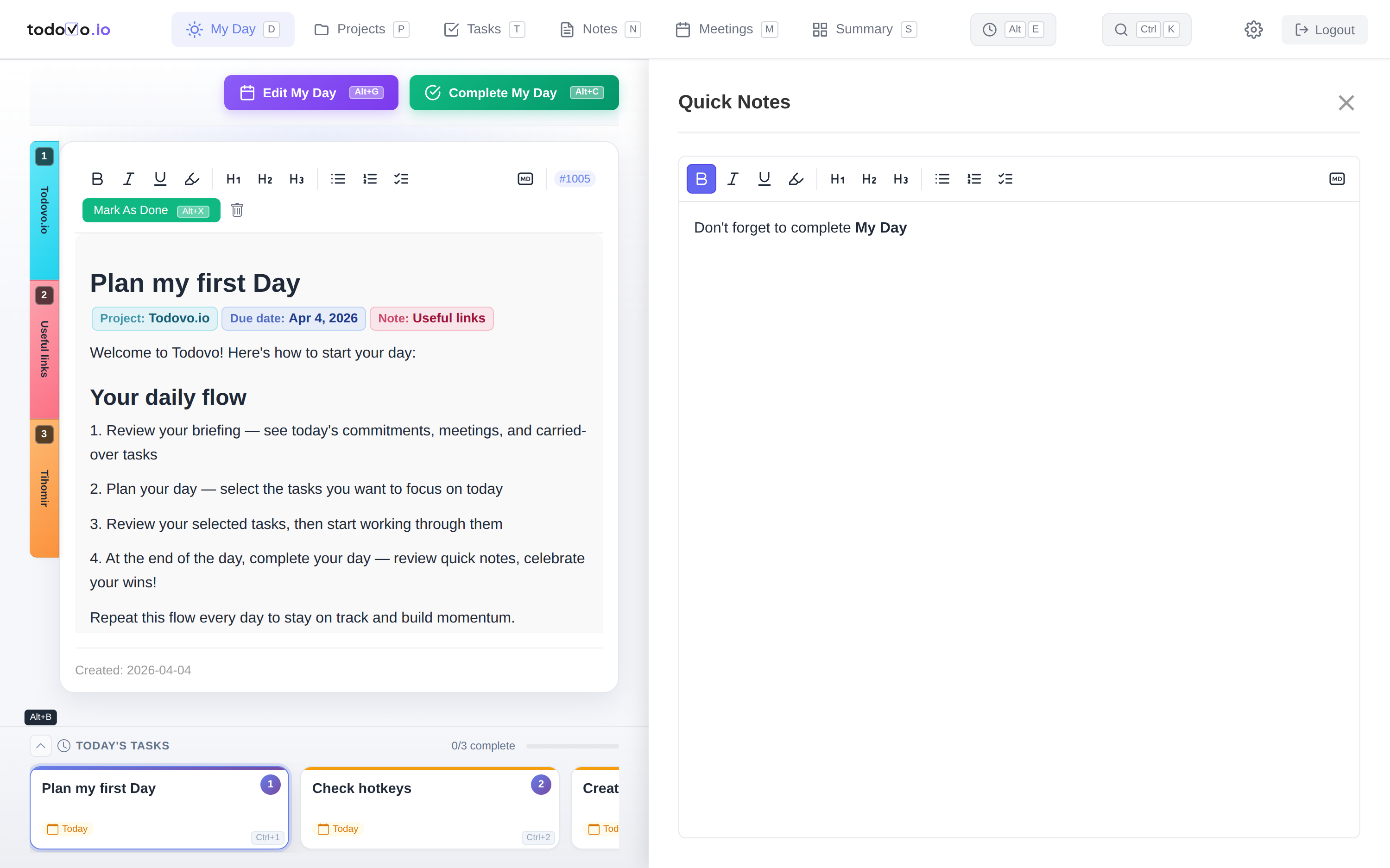
When your plan changes — and it will — you're never starting from zero. Reprioritize in seconds, capture a thought in quick notes without leaving your task, and pick up exactly where you left off. Nothing falls through the cracks because everything lives in one place.

Almost everything is keyboard-driven — switch tasks (Ctrl+1/2/3), open quick notes (Alt+Q), pull up recent items (⌥E), search anything (⌘K). Your hands never leave the keyboard.

todovo.io board view showing task carousel, editor with inline nodes, and quick notes sidebar todovo.io keyboard shortcuts: Ctrl+1/2/3 to switch tasks, Alt+Q for quick notes, Cmd+K for command palette, / for slash menu

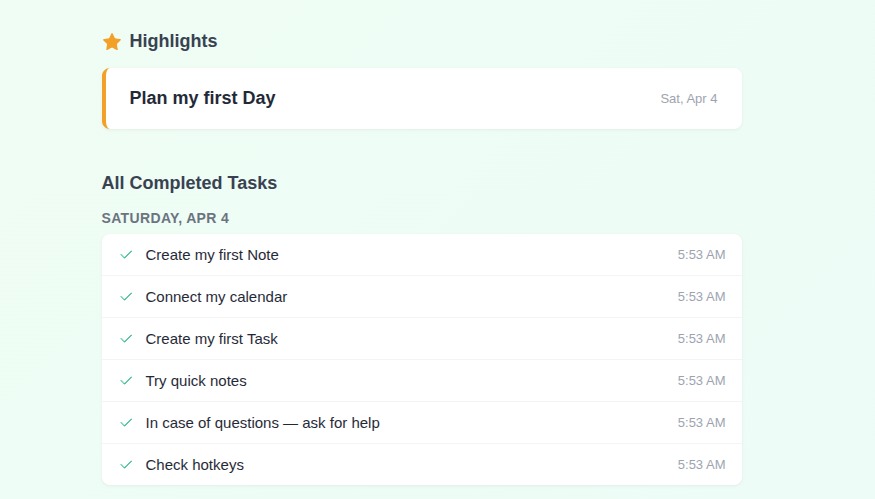
Close the day knowing what you built

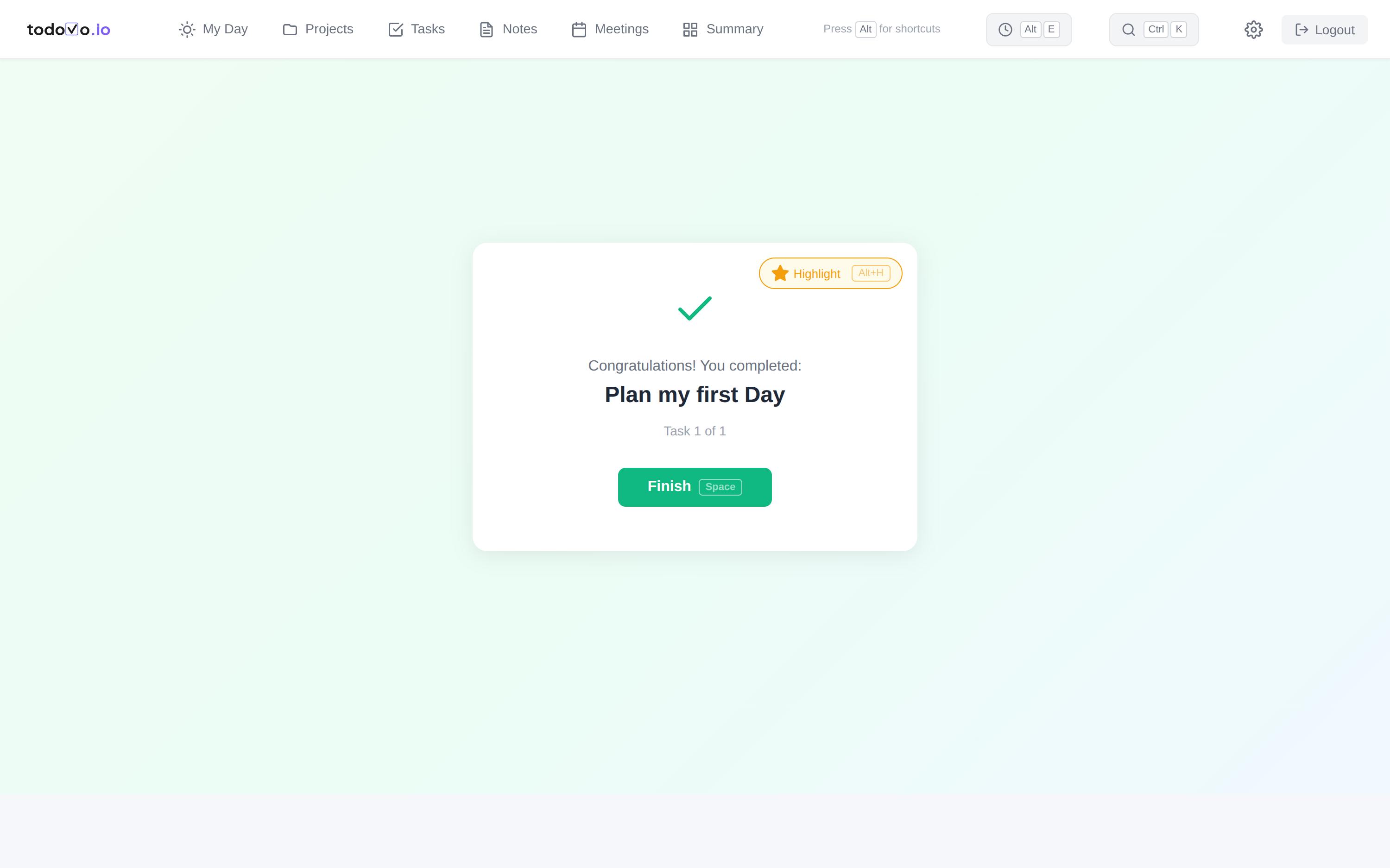
Before you close the laptop, see exactly what you finished today. Not what's left — what's done. A small moment of celebration closes the loop. On Fridays, zoom out with a weekly review of your highlights.

todovo.io end-of-day celebration showing completed tasks and daily accomplishments

Built around how a real workday actually flows

Not a feature checklist — a system designed for the way you actually work.

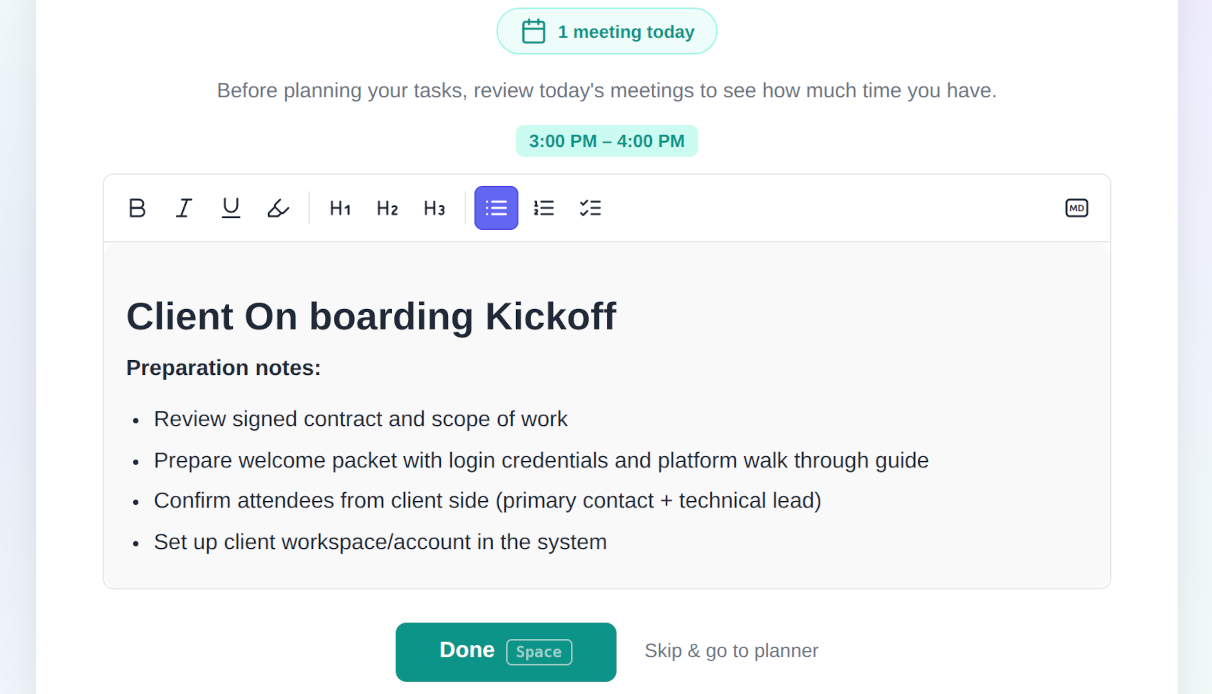
Your meetings, ready when you are

Google Calendar sync brings today's meetings into your morning plan. Add talking points before each one. Walk in prepared, every time.

todovo.io accesses your Google Calendar in read-only mode to display your meetings. Calendar data is never shared with third parties. Learn more in our Privacy Policy.

todovo.io meeting planning with Google Calendar sync showing today's meetings and talking points

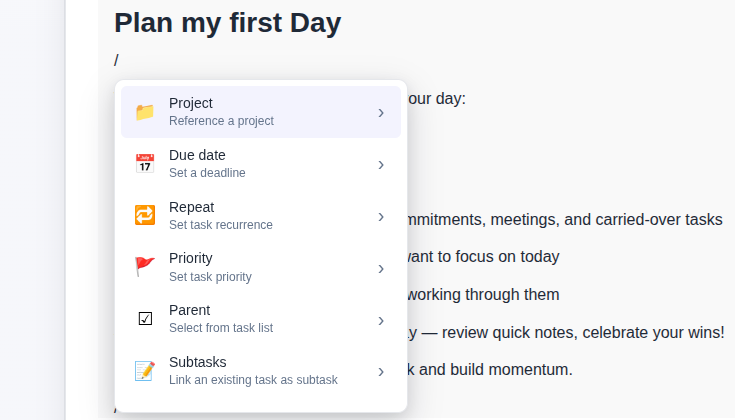
Type / and you're in control

Set due dates, link notes, assign projects, add subtasks — all from the slash command menu. No buttons to hunt for. No context to lose.

todovo.io rich text editor with slash command menu showing project, due date, and priority options

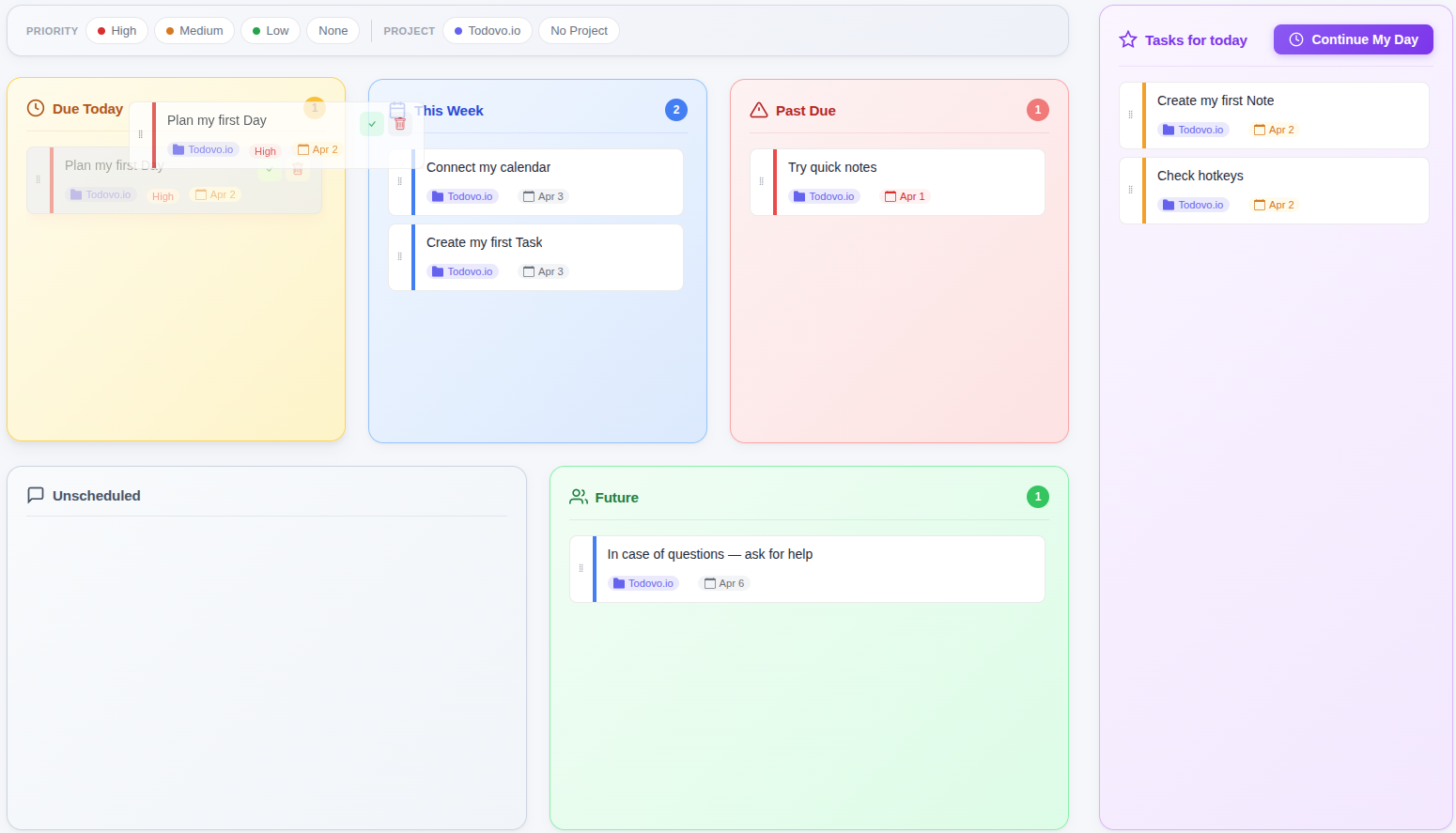
Drag, drop, own your day

Tasks auto-categorized by urgency. Drag the ones that matter into today's plan.

todovo.io day planner with drag-and-drop task prioritization by category

See your week in review

Every Friday, zoom out. See what you shipped, what slipped, and how far you've come.

todovo.io weekly review showing daily highlights and accomplishments

Color-coded projects

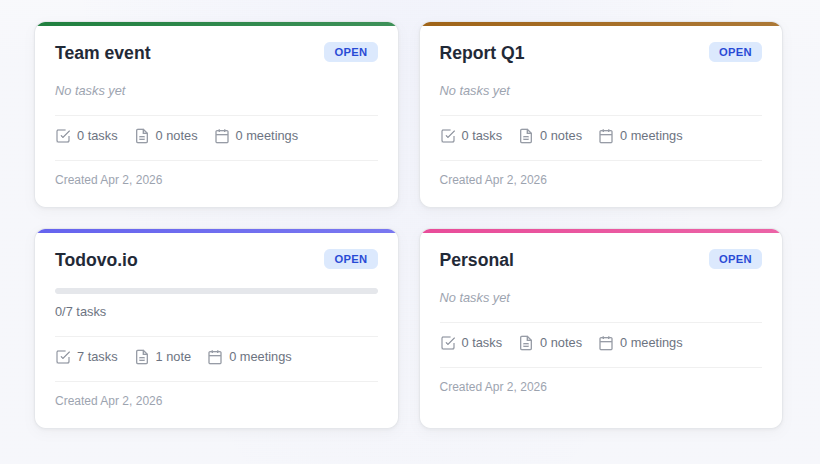
Group tasks, notes, and meetings by project. Track progress with completion percentages.

todovo.io projects view with color-coded projects and progress tracking

Never forget a follow-up

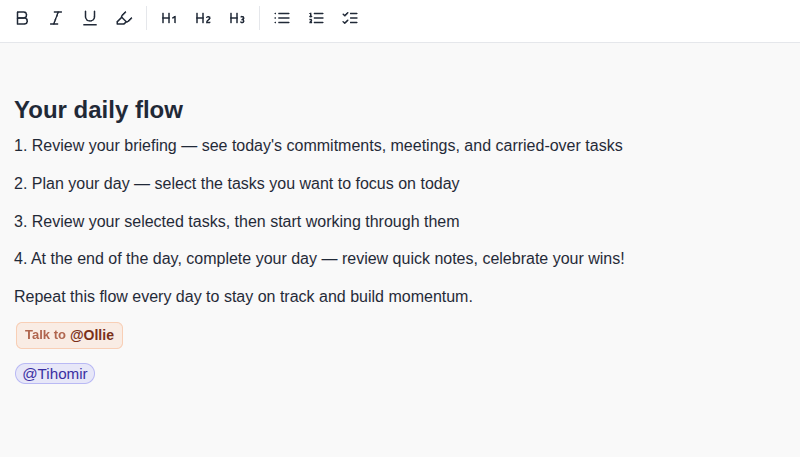
@mention people in tasks. Tag who you need to talk to. See every interaction in one place.

todovo.io people management showing @mentions and talk-to tags across tasks

Built by someone tired of tools that didn't fit

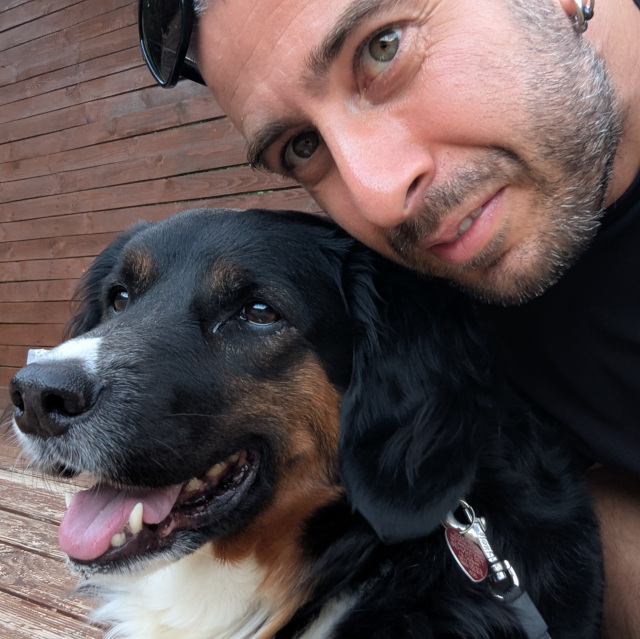
I tried a lot of productivity apps. The simple ones were a glorified checklist. The powerful ones wanted a weekend of setup before they earned their keep. I wanted one that just works on Monday morning. So I built it.

Tihomir Stefanov, founder of todovo.io
Tihomir
todovo.io
Read the full story →

One app instead of four

Before
Todoist for tasks Notion for notes Google Calendar tab Spreadsheet for tracking
After
todovo.io
One calm window. Everything connected.

We're building todovo.io for people who care about their work and want to end each day with a clear head. Start your free trial and tell us what you think.

€4/month billed yearly, or €6 month-to-month. 30-day free trial first.

See full pricing →
Secure payment via Paddle Cancel anytime GDPR compliant Your data stays yours

Tonight, you could close the laptop knowing exactly what you did.

Start your 30-day free trial. No credit card. No setup. Just open it and start.

Works on any browser — desktop, tablet, or phone. Native apps coming soon.

Try Free 30 days, no card