Meeting Notes App
Meeting Notes That Actually Live Next to Your Tasks
Every morning the Briefing shows today's meetings next to what's due. Add prep notes for each one, and todovo lets you know when a meeting is coming up. In the evening, re-read your notes while they're fresh and turn them into follow-up tasks that land in tomorrow's list.
Meeting notes are useless when they're disconnected from your work.
You take notes in one app, track tasks in another, and store meeting agendas somewhere else entirely. By the time you need to find what was decided in last Tuesday's standup, it's buried in a different tool — or lost completely.
todovo brings meetings into the same workspace as your tasks, notes, and people. You prepare before meetings, capture during them, and connect action items to real tasks after — without switching apps.
Google Calendar Sync Brings Meetings to You
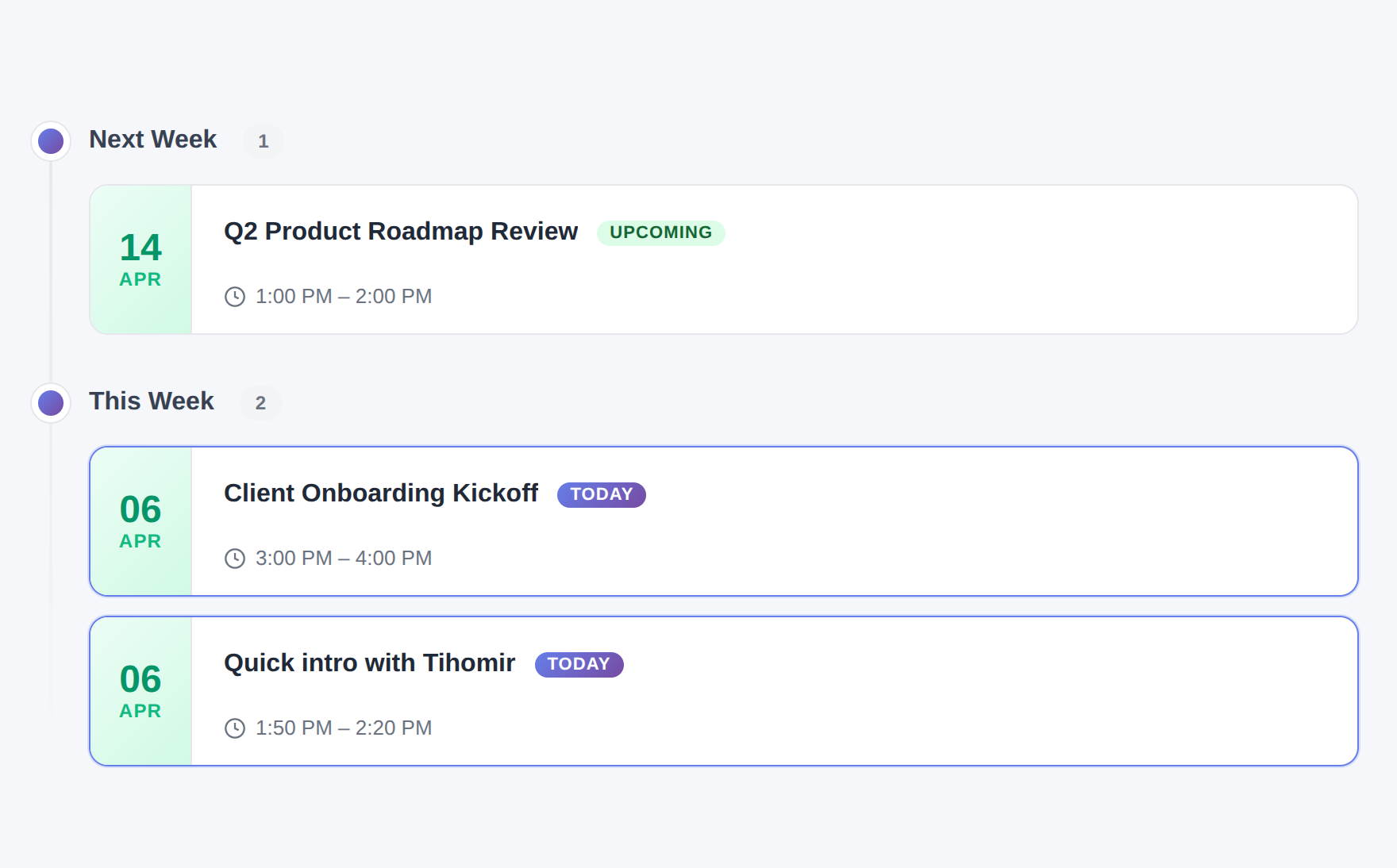
Connect your Google Calendar with one click and every meeting appears inside todovo automatically. Today's meetings show up in your morning planning view. Past meetings are grouped by date — today, this week, last month — so your meeting history is easy to browse.
No manual entry. No copying event titles. Your calendar and your notes live in the same place.
- One-click Google Calendar OAuth connection
- Meetings appear automatically — no manual import
- Today's meetings visible in the morning planning view
- Meeting history grouped by date for easy browsing
- Attendees auto-extracted and linked to your People list
- Manual sync available anytime if you need it
One connection. Every meeting.
Connect Google Calendar once and all your meetings — past and upcoming — are immediately available inside your workspace.
Prepare Talking Points Before Every Meeting
Every meeting in todovo has a rich text editor where you can write an agenda, add talking points, and capture anything you want to bring up. Open the meeting in the morning when you're planning your day — add what you need to cover, and it's right there when the call starts.
No separate note-taking app. No scrambling to find what you prepared. Just open todovo and everything is ready.
- Rich text editor on every meeting — same editor as tasks and notes
- Slash commands for headings, lists, and inline nodes
- Preparation visible in the morning plan before the meeting
- @mention people directly inside the meeting notes
- Link related tasks to the meeting with a slash command
Prepare the night before. Show up ready.
Write your talking points whenever you think of them. They'll be waiting for you when the meeting starts.
Meeting Notes Linked to Tasks and People
Inside any meeting note, link directly to tasks with a slash command. @mention the people who were in the meeting. Tag who you need to follow up with using "Talk to" nodes. Everything is connected — the meeting is the context, the tasks are the action.
On a person's detail page, every meeting they appeared in is listed automatically. No manual cross-referencing required.
- Link related tasks inside meeting notes with /link task
- @mention people to track who was part of the meeting
- "Talk to" tags for follow-up conversations after the meeting
- Meeting appears on each @mentioned person's detail page
- Tasks linked to a meeting show up in the related items panel
- Meeting title updates sync across all linked tasks automatically
Notes with memory.
Every action item, every follow-up, every person mentioned — connected and findable long after the meeting ends.
See Meetings in Your Morning Plan
When you open the day planner in the morning, today's meetings appear alongside your tasks. You can see when you're blocked, plan focused work in the gaps, and start each meeting with the notes you already prepared.
Meetings stop being interruptions and become part of the plan.
- Today's calendar events visible in the morning planning view
- Meeting preparation notes accessible before the call
- Plan focused work blocks around your meeting schedule
- Meetings and tasks in one view — no tab switching
Plan around your meetings, not despite them.
See your full day — meetings and tasks together — before you start working. Adjust once, not continuously.
Everything the meeting notes app includes
Google Calendar sync
Connect once. All your meetings appear automatically — no manual import, no copy-pasting titles.
Talking points and agendas
Write preparation notes with the same rich text editor used for tasks. Slash commands, @mentions, lists — all available.
Linked tasks
Connect action items from meetings directly to tasks. See related meetings on any task's detail page.
Auto-linked attendees
Calendar attendees are auto-extracted and linked to People. Meetings appear on each person's detail page.
Date-grouped history
Browse past meetings grouped by Today, This Week, Last Month. Your entire meeting history is organized and searchable.
Morning meeting review
Today's meetings appear in the morning plan so you can prepare, review notes, and plan your day around them.
Meeting notes that connect to your work
30-day free trial. No credit card. Every feature included.