Teams
The Calm Planner That Now Works for Your Whole Team
Share tasks, notes, and projects in one workspace — while every person keeps their own focused daily plan. Assign work, keep private things private, and see every change the moment it happens.
The free trial is a personal plan; a team workspace starts on a paid plan, billed per seat.
Team tools show you everyone's everything.
Most team apps optimize for the manager's dashboard, not the person doing the work. You get noise, notifications, and a wall of other people's tasks — and your own day disappears in it.
todovo flips that. Your team shares one workspace for tasks, notes, projects, and meetings — but every morning, you still plan your own day. What's assigned to you shows up in your planner. What isn't, stays out of your way.
Invite Your Team in Minutes
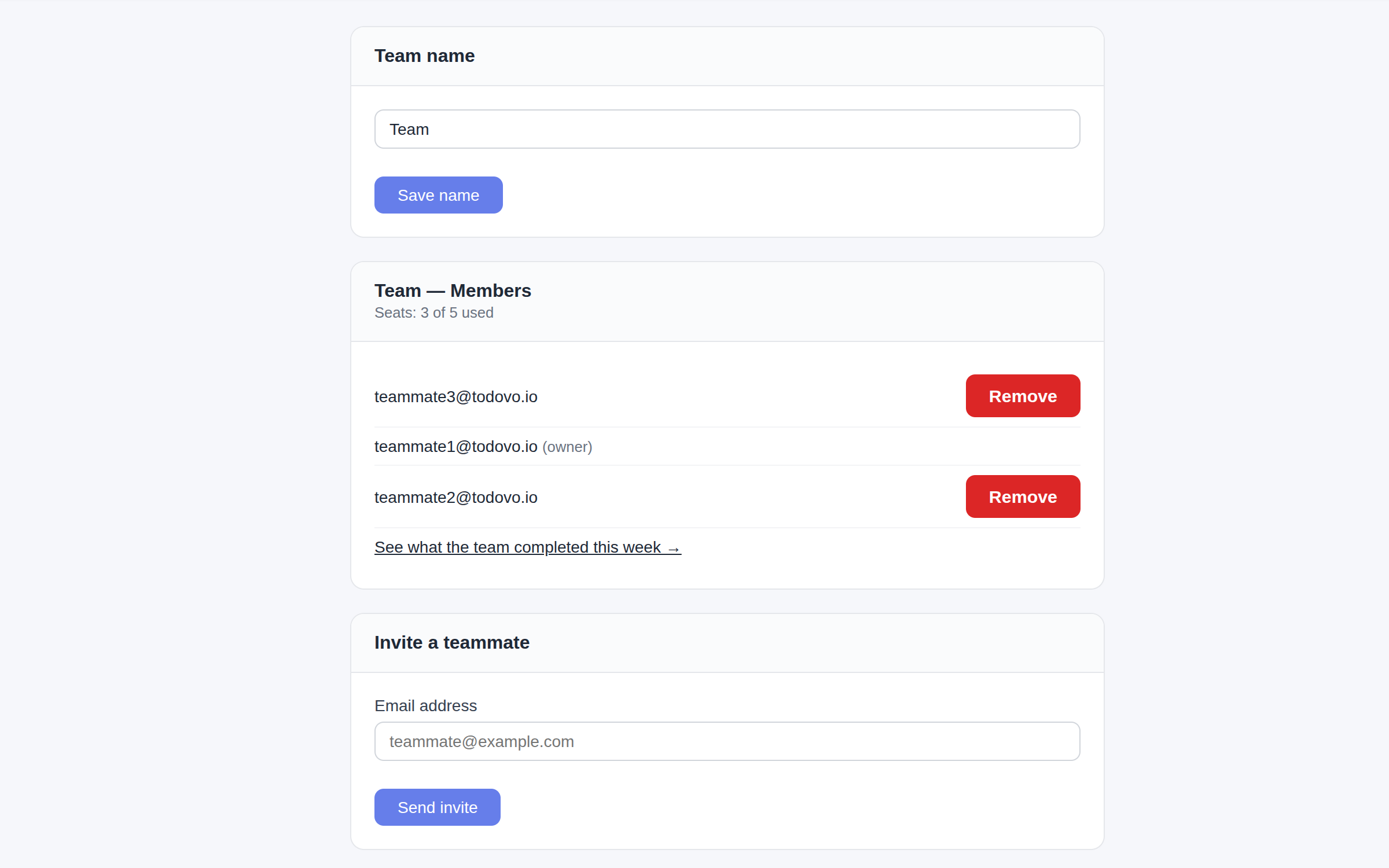
Invite teammates by email straight from your workspace settings. They register or accept with one click, and your workspace becomes a team workspace the moment the first person joins. New teammates land in a workspace that's already organized — your projects, your notes, your structure.
- Invite by email — one click to join
- Works for new and existing todovo users
- Invitation links are valid for 7 days
- The owner can revoke invites and remove members anytime
- Rename your workspace to match your team
- Members can leave on their own
From solo to team in one email.
Your workspace, your projects, your history — now shared. Nothing to migrate, nothing to set up twice.
Shared by Default. Private When You Need It.
Tasks, notes, projects, and meetings are visible to the team by default — that's the point of a shared workspace. But every item has a Private toggle. Flip it, and the item is visible only to you: it disappears from your teammates' lists, searches, and screens.
- Every task, note, project, and meeting has a Private toggle
- Private items are visible only to their creator
- Making a project private hides everything inside it
- Meetings synced from your calendar start private
One toggle. Your call.
Your 1:1 notes, your calendar, your half-formed ideas — private until you decide otherwise.
Assign Work With a Keystroke
Type /assign in any task and pick a teammate. The task moves into their day planner and morning briefing — and out of yours. It stays visible in shared lists and search, so nothing disappears; it just stops competing for your attention.
- Assign from inside the editor with the /assign command
- Assigned tasks appear in the assignee's planner and briefing
- They leave your planning view the moment you hand them off
- Everything stays findable in shared lists and search
Their planner, not your noise.
Assigned tasks show up where the assignee plans their day — and leave your plan the moment you hand them off.
Everyone Sees Changes Instantly
Every change — a task completed, a note edited, an assignment made — appears for the whole team in real time. No refresh, no sync button. And privacy is respected everywhere: private items never sync to anyone else's screen.
- Tasks, notes, projects, and meetings update live for everyone
- Works across tabs, devices, and teammates
- Private items stay off other people's screens — always
Live, without being loud.
No notification storm. The workspace is simply always current.
Everything teams get
Email invitations
Invite teammates by email — they join in one click, whether they already use todovo or not.
Private toggle
Any task, note, project, or meeting can be private. Private projects hide everything inside them.
Task assignment
Type /assign to hand a task to a teammate. It lands in their day planner and leaves yours.
Real-time sync
Changes appear instantly for every teammate — no refresh needed, privacy always respected.
Per-seat billing
One subscription for the whole team. €6/$6 per person monthly or €48/$48 per person yearly — the owner sets the seat count.
Personal + team workspaces
Keep a personal workspace next to your team's. Switch instantly; each has its own tasks, projects, and people.
Bring your team into one calm workspace
Start with a free 30-day personal trial, then create a team workspace and invite everyone. Prices are per person, on one subscription.